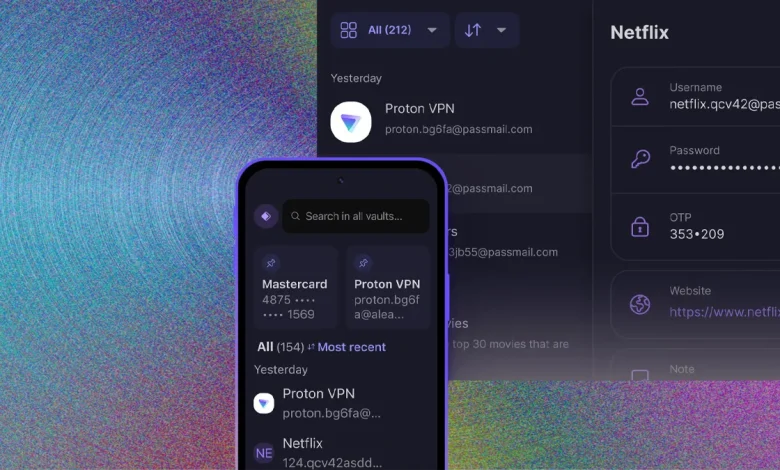
Managing passwords across a household is a bigger challenge than most people realise. Between streaming accounts, school portals, banking apps, shopping logins, and social media, a typical family accumulates dozens of passwords and that’s before you factor in the different devices everyone uses. A good family password manager solves this problem cleanly, keeping every account secure without requiring everyone in the house to become a cybersecurity expert.
Why Families Need a Password Manager
Most people know they shouldn’t reuse passwords. Fewer actually follow this advice. It’s not laziness it’s simply not practical to memorise twenty or thirty complex, unique passwords. So people reuse simple ones, and when one account is breached, all accounts using that password become vulnerable.
A password manager eliminates this problem entirely. It generates strong, unique passwords for every account, stores them securely, and fills them in automatically when needed. For families, the best password manager for families adds shared vaults, parental controls, and multi-device support on top of these core features.
What to Look for in a Family Password Manager
Choosing the right password manager family setup comes down to a few key considerations:
Shared Vaults Families need to share certain logins streaming services, utility accounts, school portals. A good family plan includes shared vaults where specific passwords can be accessed by nominated family members, while personal passwords remain completely private.
Easy to Use for All Ages A family password manager is only useful if everyone actually uses it. Look for apps with clean, intuitive interfaces that work just as well for a ten-year-old as they do for an adult. Browser extensions and mobile apps should be seamless enough that filling in a password requires no more effort than typing it manually.
Parental Controls Some password managers include parental control features that let parents monitor which sites children are logging into, set age-appropriate restrictions, and receive alerts about unusual activity. This is particularly valuable for families with younger children who are beginning to manage their own online accounts.
Multi-Device Support Every family member uses multiple devices. A solid password manager family plan should work across Windows, Mac, iOS, Android, and popular browsers without any friction. Sync should be automatic and instant.
Emergency Access Life is unpredictable. Some family password managers include emergency access features that allow a designated person to request access to an account in an emergency with a built-in delay period to prevent unauthorised use.
Understanding Family Password Manager Plans
Most major providers offer a dedicated family password managers plan that covers between five and six users under a single subscription. These plans are typically much more cost-effective than paying for individual subscriptions for each family member.
When comparing family password manager family plan options, look at:
- Number of users included most cover up to 5 or 6, but some allow more
- Storage included useful for storing secure documents and notes alongside passwords
- Admin controls can a parent manage and oversee family members’ accounts?
- Two-factor authentication support essential for securing the master password itself
Setting Up a Family Password Manager: Practical Tips
Once you’ve chosen a service, getting the whole family on board is the most important step. Here’s how to make the transition smooth:
- Start with the most important accounts banking, email, and school logins first. These are the ones where a breach would cause the most harm.
- Use the password generator from day one every new account should get a unique, auto-generated password rather than one someone made up.
- Enable two-factor authentication on the manager itself the master password is the key to everything, so protect it well.
- Run a password audit most managers include a health check feature that identifies weak, reused, or compromised passwords. Work through these systematically.
- Make it a family habit when anyone in the family creates a new account, saving the login to the manager should be the default, not an afterthought.
Final Thoughts
In an era where data breaches are routine and cyber threats target individuals as much as organisations, a password manager for families is one of the most practical investments a household can make. It removes the pressure of remembering dozens of complex logins, protects everyone in the family with strong unique passwords, and makes sharing necessary account details safer and easier. Finding the best password manager for families doesn’t have to be complicated focus on ease of use, shared vault features, and a family password manager family plan that covers your whole household, and you’ll be in a significantly stronger position online.